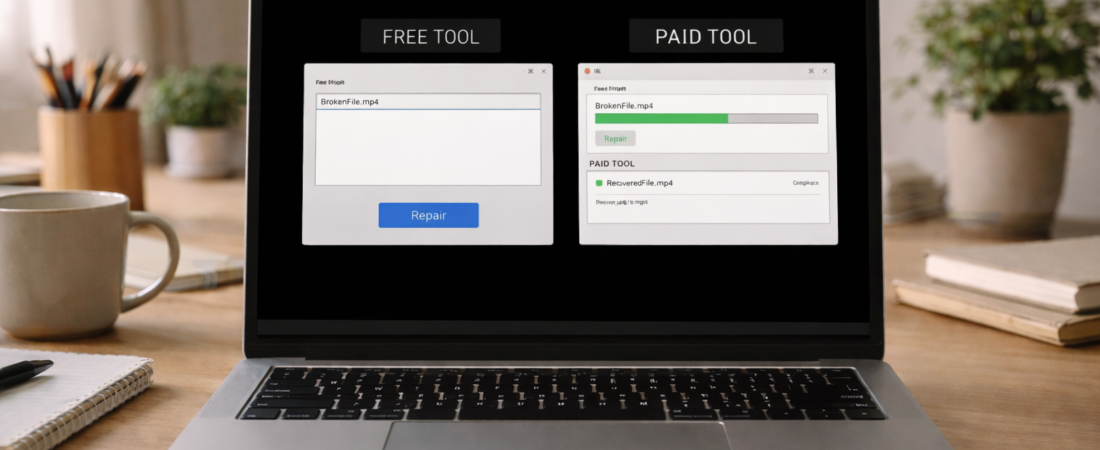
If your MP4 file is corrupted, one of the first decisions is whether to try a free repair method or use paid software.
Both options exist, but they are not equivalent.
This guide explains what free tools can realistically do, what paid repair software attempts to do differently, and when each approach makes sense.
What Free MP4 Repair Options Usually Mean
Free repair options generally fall into one of these categories:
-
Using a different media player
-
Re-muxing the MP4 container
-
Attempting basic header fixes
-
Using limited trial versions of paid software
These methods may help when the issue is minor or structural rather than severe corruption.
Media Player Differences
Some media players are more tolerant of structural inconsistencies inside MP4 files.
If your file plays in one player but not another, the issue may be compatibility rather than deep corruption.
However, this does not repair the file — it only bypasses certain playback limitations.
Re-muxing the MP4 Container
Re-muxing rewrites the container structure without changing the video data.
This may help if:
-
The header is slightly damaged
-
Indexing information needs rewriting
-
The video stream itself is intact
It will not fix missing or damaged video frames.
Trial Versions of Paid Software
Many paid repair tools offer free analysis or limited export.
This can help determine:
-
Whether the file is repairable
-
What type of corruption is present
Full repair usually requires payment.
What Paid MP4 Repair Software Does Differently
Paid software attempts deeper structural reconstruction.
Typical functions include:
-
Rebuilding damaged headers
-
Reconstructing indexing tables
-
Analyzing reference files from the same device
-
Rewriting corrupted container segments
These tools are designed specifically for structural MP4 damage rather than playback compatibility issues.
However, they still have limits.
Paid repair software cannot:
-
Recreate video frames that were never recorded
-
Restore large missing file sections
-
Repair physical hardware damage
When Free Options Are Worth Trying
Free methods are worth attempting when:
-
The file size appears correct
-
Playback issues are minor
-
The problem may be compatibility-related
-
The corruption occurred during transfer
Trying free methods first is reasonable because they carry no financial cost.
If the issue remains unchanged after basic attempts, structural corruption is more likely.
When Paid Repair Software Is Worth Considering
Paid software may be worth trying when:
-
The file size matches expectations
-
The recording completed normally
-
Free methods did not resolve the issue
-
The MP4 partially plays but freezes or shows errors
If you want to see which repair tools are commonly used for corrupted MP4 files, see
👉 Best software to repair corrupted MP4 files
Use paid software only after confirming the issue is file-related and not a device performance problem.
Realistic Expectations
Neither free nor paid tools guarantee success.
Success depends on:
-
How the corruption occurred
-
Whether video data still exists
-
Whether structural components can be rebuilt
If critical data was never written to the file, no software can restore it.
Bottom Line
Free MP4 repair options may help with minor structural or compatibility issues.
Paid repair software attempts deeper reconstruction and may resolve more serious corruption cases.
The decision depends on file size, how the corruption happened, and whether the recording completed properly.
If the file is structurally damaged but still intact in size, repair software may be worth trying. If large sections are missing, recovery is unlikely.